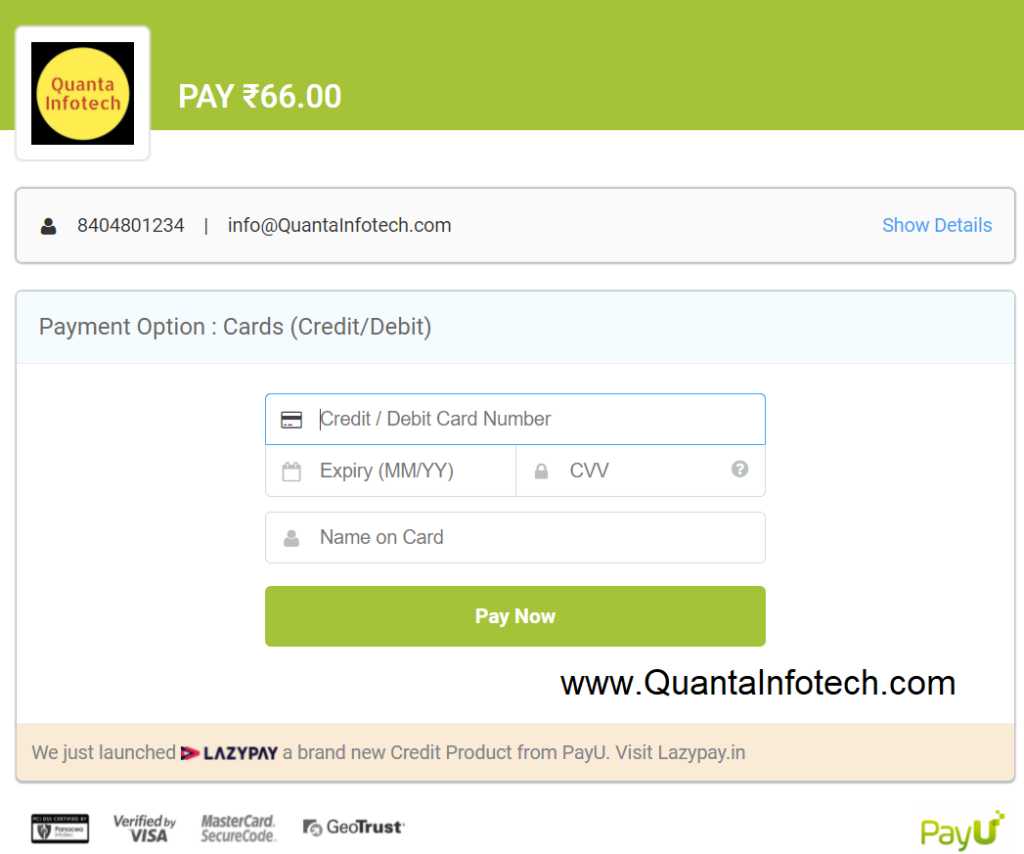
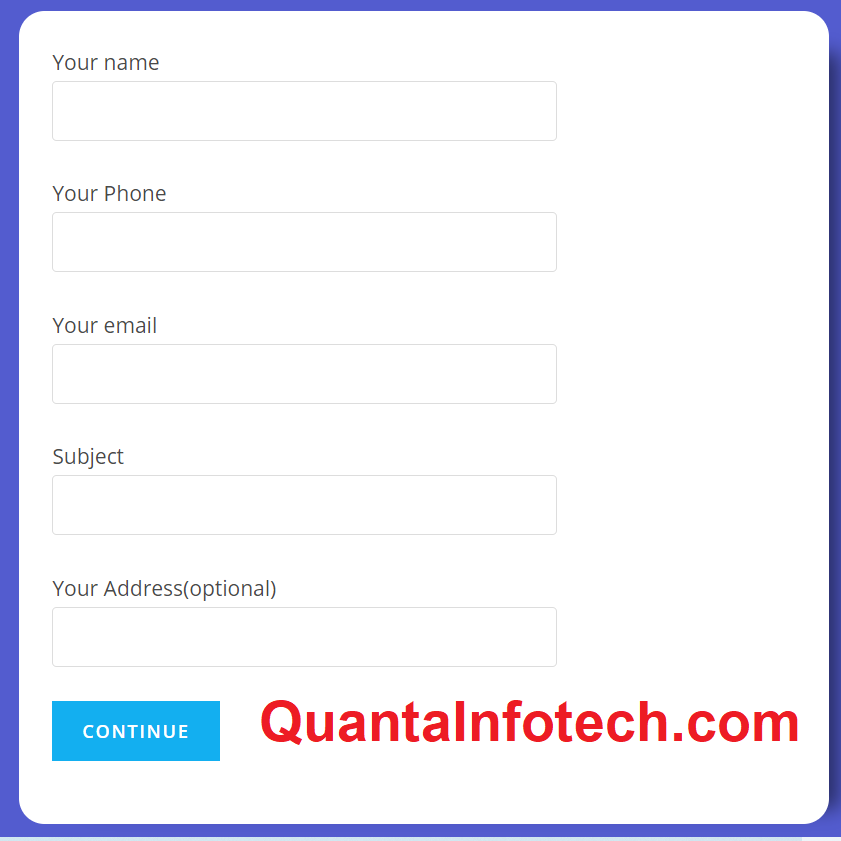
PayU Money Demo Link and Documentation
Hello User,
How are you today ? I hope you are awesome. Today in this article i will show you how to Integrate PayU Money formally known as PayU with Contact Form 7 which is a plugin of WordPress.
This is this script is written in PHP by Dipu Singh (For Development or any Help Contact Him by WhatsApp +91 – 840-480-1234).
Plugin Require Before use this Plugin.
- Contact Form 7 By Takayuki Miyoshi
- Redirection for Contact Form 7 By Query Solutions
- This Code Buy From Here By Dipu Singh
Generate PayU Key/Salt :- https://www.payu.in/business/payment-gateway/integration
[su_button url=”https://demo.quantainfotech.com/payu/” target=”blank” style=”flat” background=”#5a7bf6″ color=”#ffffff” size=”6″ radius=”round” icon=”icon: check”]Demo Link[/su_button] | [su_button url=”http://quantainfotech.com/shop/payu-money-integrated-with-contact-form-7/” target=”blank” style=”flat” background=”#f6dd5a” color=”#ffffff” size=”6″ radius=”round” icon=”icon: shopping-bag”]Buy Now[/su_button]
Demo Card Details For PayU
- Card No – 5123456789012346
- Expiry – 22/22
- CVV – 123
- Name – Dipu Singh
- OTP – 12345
Developed By Dipu Singh
Contact Form 7 Code for PayU Integration
<label> Your name
    [text* your-name] </label>

<label> Your email
    [email* your-email] </label>

<label> Phone
    [tel* your-phone] </label>

<label> Price
    [number* price] </label>

[submit "Submit"]